Case Study
BART App
UX/UI
Mobile App
DATESSEPT 2017
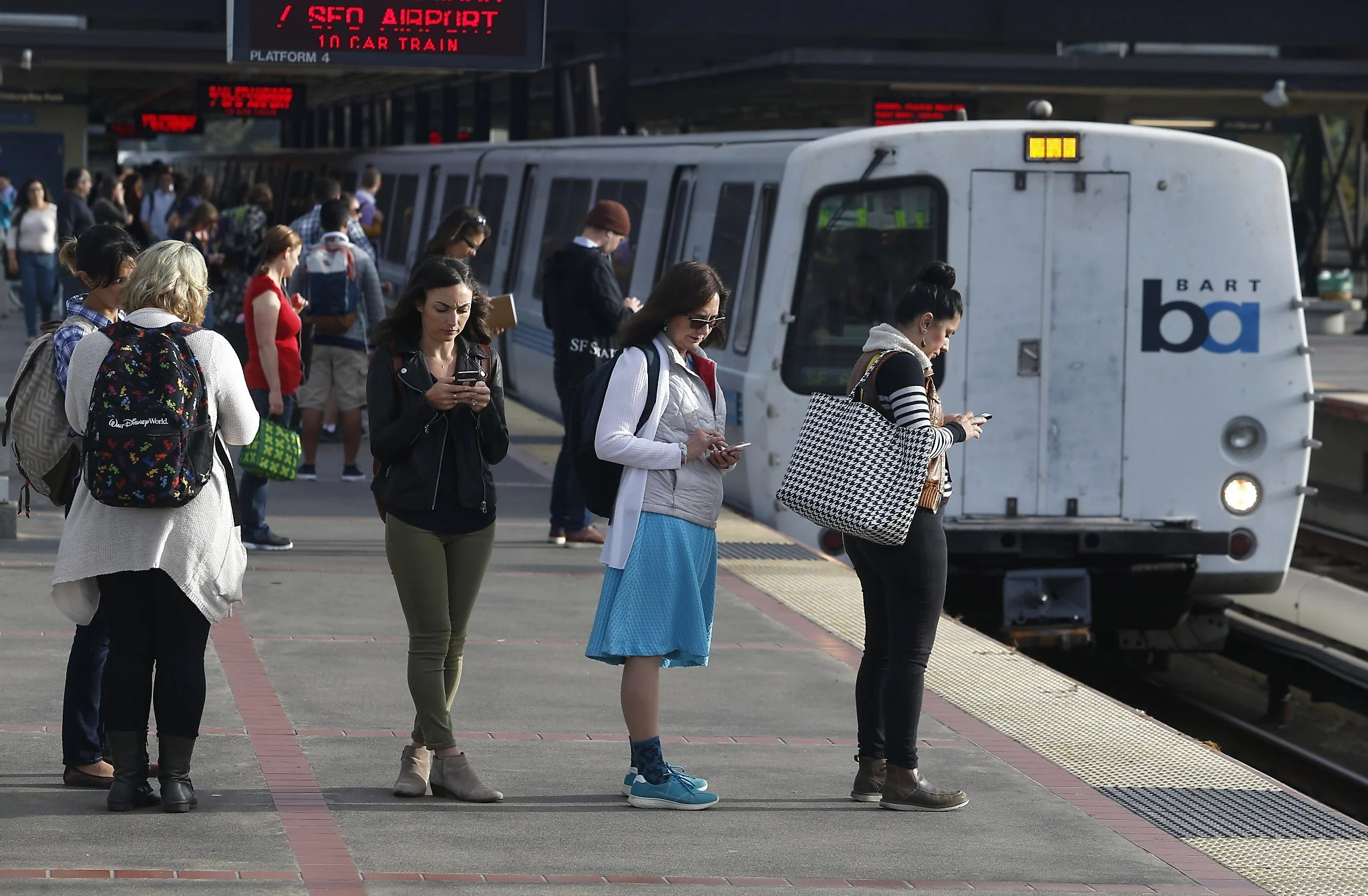
BART (Bay Area Rapid Transit) is a commuter rail system serving the San Francisco Bay Area, providing convenient transportation across the region.
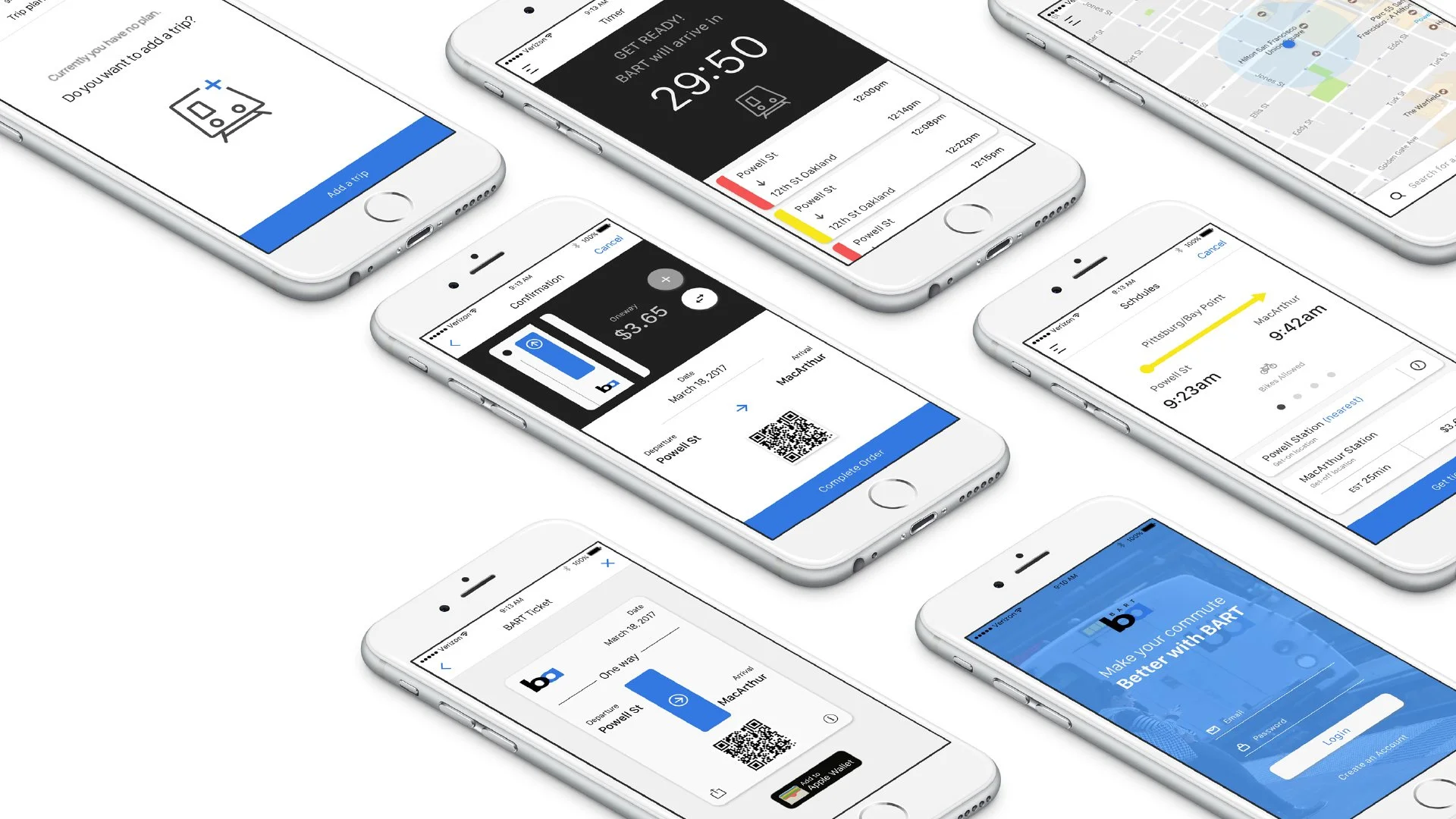
My mission was to develop a cutting-edge mobile application for BART that provides seamless access to live schedules and enables users to purchase tickets directly on their smartphones.
By eliminating the need for physical tickets, I aimed to enhance the convenience and efficiency of public transportation for all BART riders.
The Problem
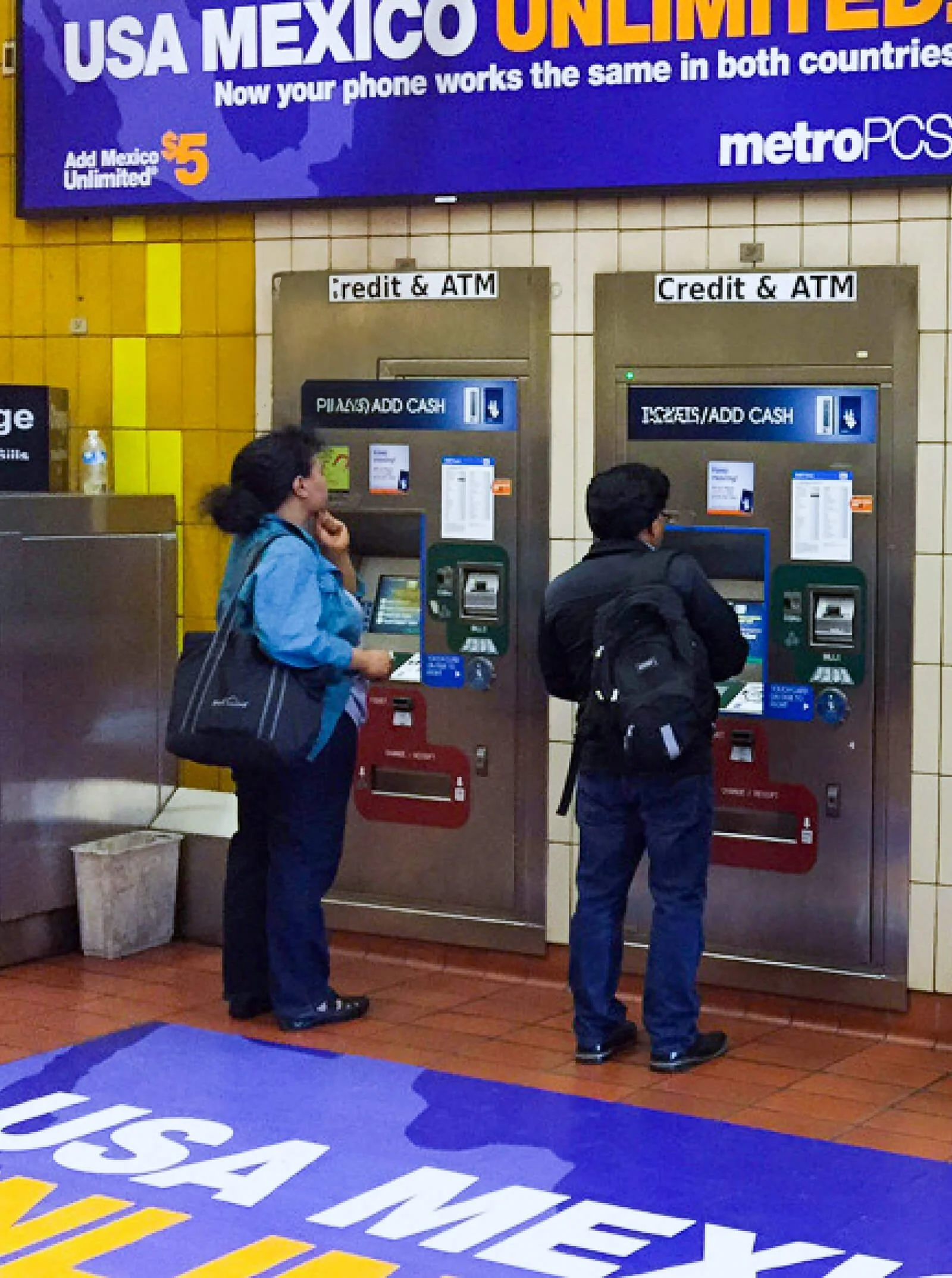
Most BART mobile apps only provided schedules and station locations. The real issue was the difficulty of purchasing tickets at vending machines, which were often crowded, user-unfriendly, and confusing, especially for first-time users and visitors. Additionally, station signage for routes to Oakland or San Francisco Airport was confusing.
Old BART Website Screenshots
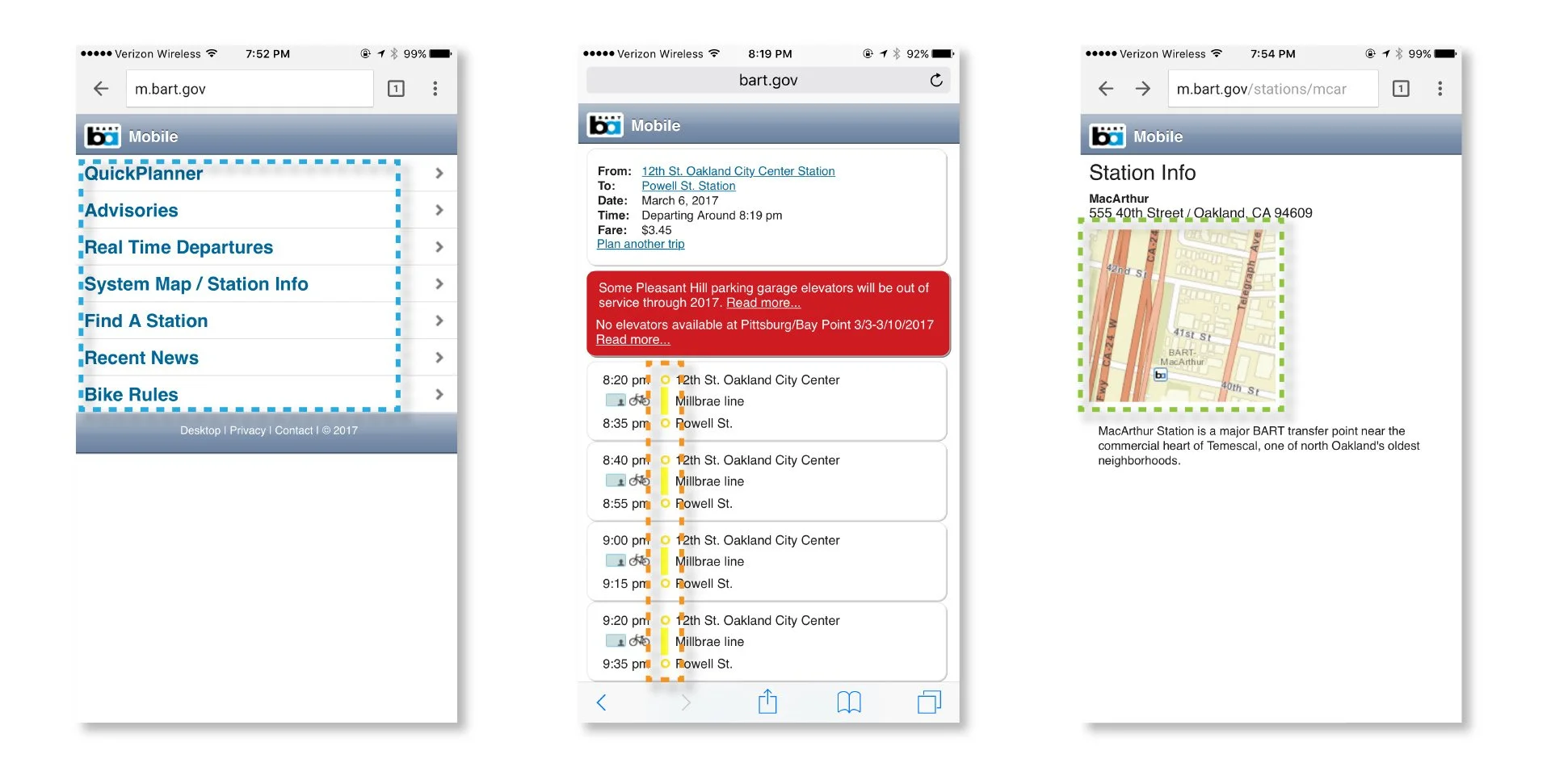
The old website design was overly simplistic on mobile devices and didn’t provide the necessary information.
The schedule information was well-organized but confusing due to the lack of hierarchy and ambiguous color meanings.
The station information was good, but the location details were presented as small images, which required switching between the BART website and a map.
The Idea
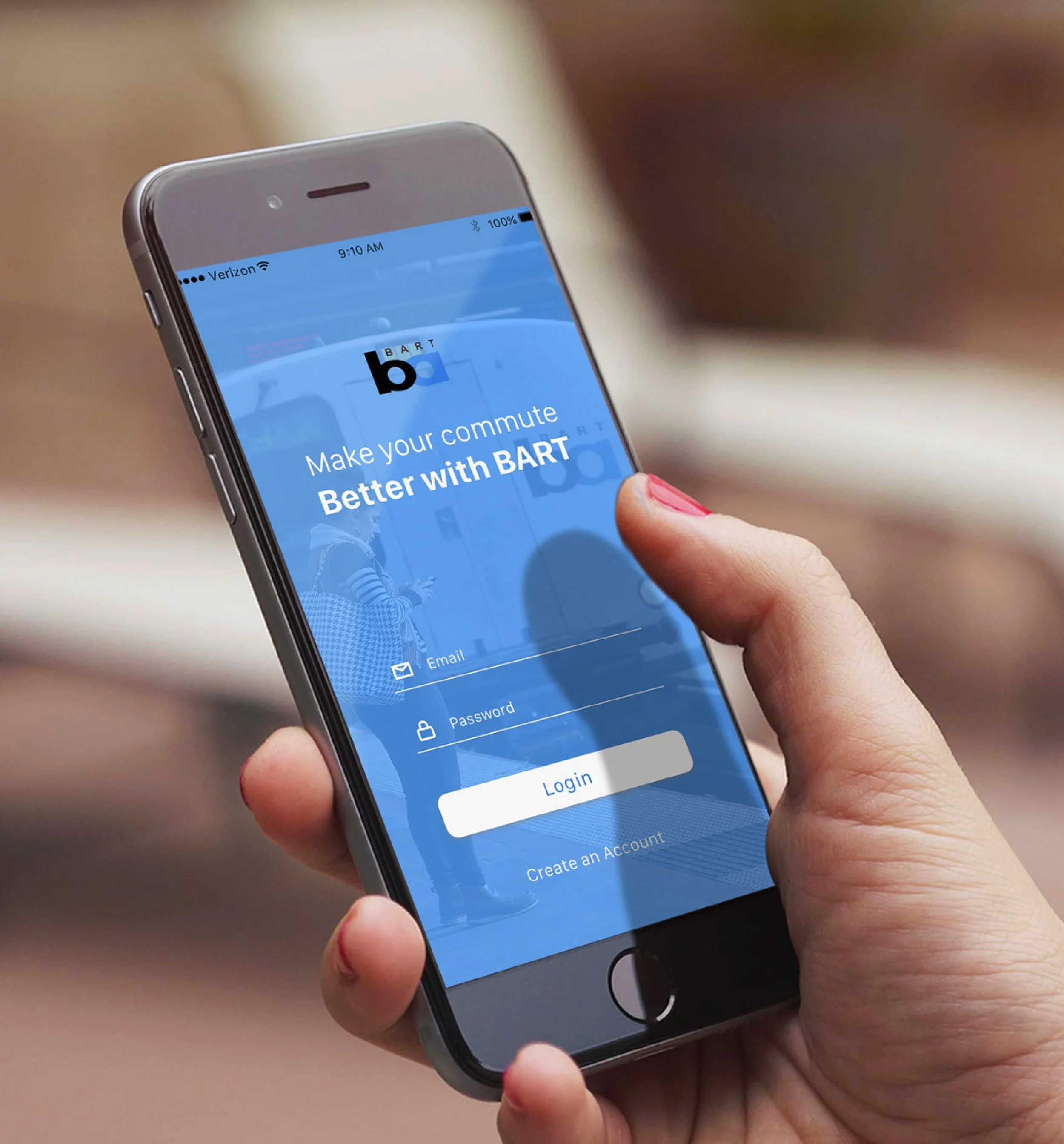
A user-friendly mobile app for BART should enable easy ticket purchase, clear navigation, interactive maps, user education, and feedback mechanisms, improving overall user experience.
The Four Key Features
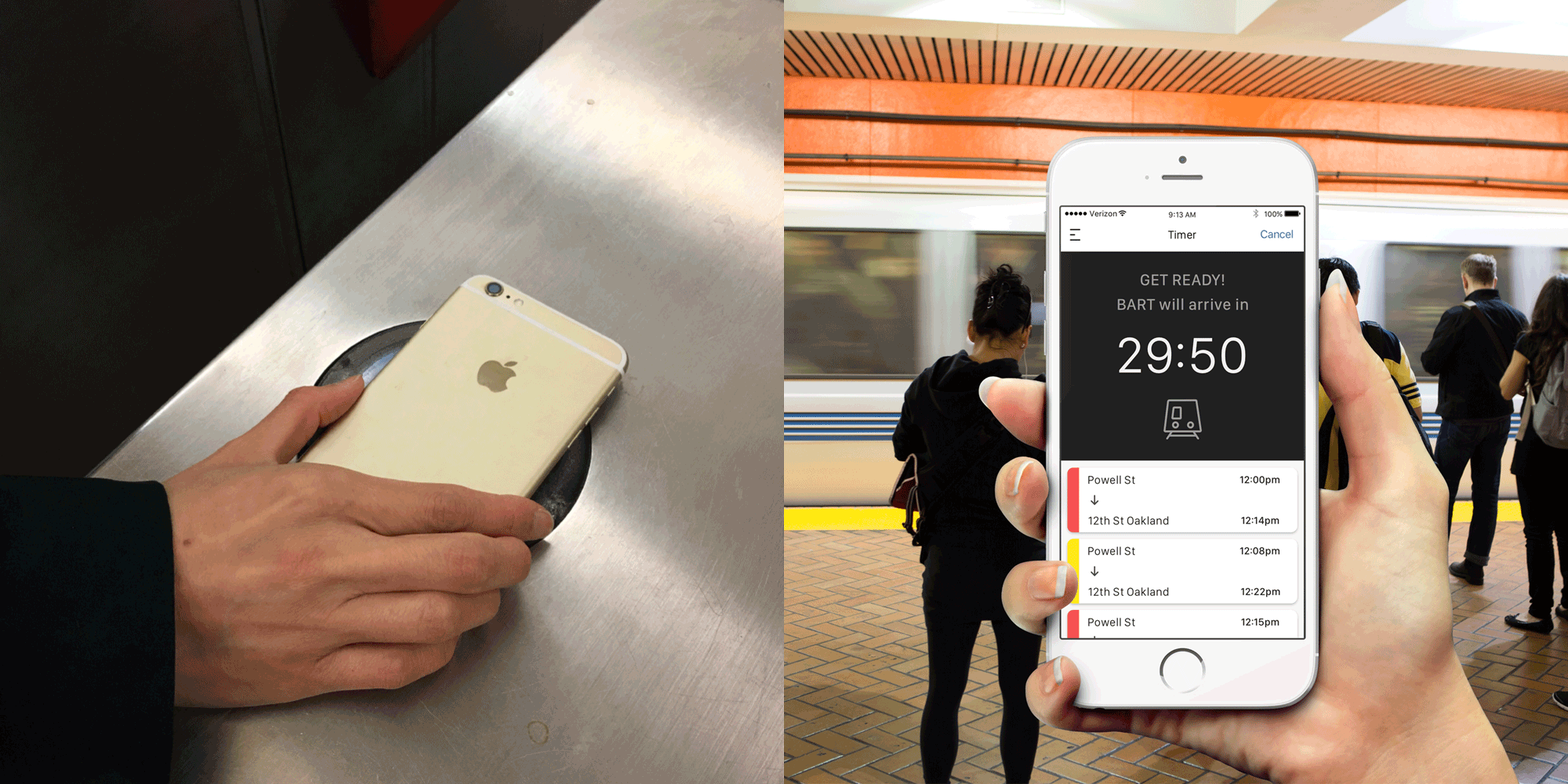
Buy BART tickets directly on your smartphone, eliminating the need to use ticket vending machines (TVMs).
Send purchased BART tickets to friends as gifts. Recipients can save these tickets to their Apple Wallet and use them when needed, avoiding the hassle of TVMs.
Access live BART schedules for specific destinations and save your daily routines for future travels.
Receive instant updates on any BART issues, problems, or delays to stay informed during your travels.
Target Audiences
Primary
Daily riders between 20 and 55 years of age who use BART as their form of transportation to and from work or school.
Secondary
Domestic and international travelers, visitors and first time users who are unfamiliar with the procedure to purchase a BART ticket.
User Cases

Susan Kim | USER CASE 1
38, Human Resources
Susan can pre-schedule her travel time and location using the BART app. The app will then send her notifications and reminders to ensure she doesn't miss her train.
Lives in San Francisco and works in downtown Oakland.
Commutes using BART four times a week, traveling to her office at 8:30 AM and returning at 5:15 PM.
Comfortable with both computers and smartphones.
Goals
Receive daily updates on BART schedules.
Obtain instant information about BART delays or mechanical issues.
Frustrations
Inability to get clear answers about BART problems.
Difficulty to pre-check the BART schedule on the website.

Joseph Whang | USER CASE 2
46, Photographer
Using the BART app, Joseph purchases a ticket from Powell Station in San Francisco to MacArthur Station in Oakland. Upon arriving in Oakland, he realizes there's a mistake in the fare price, so he adds extra money to his ticket using the BART app.
Lives in Los Angeles.
Visits San Francisco twice a month for work.
Spends extra time exploring the Bay Area by BART.
Goals
Purchase BART tickets on his smartphone.
Easily add extra money to his BART ticket.
Send paid BART tickets to friends who are not familiar with the system.
Frustrations
Using BART ticket machines is confusing and often involves long lines.
Adding extra money to his ticket is difficult when he miscalculates the fare.
Wire Frames
Susan Kim | USER CASE 1
🗓️ To make a schedule.
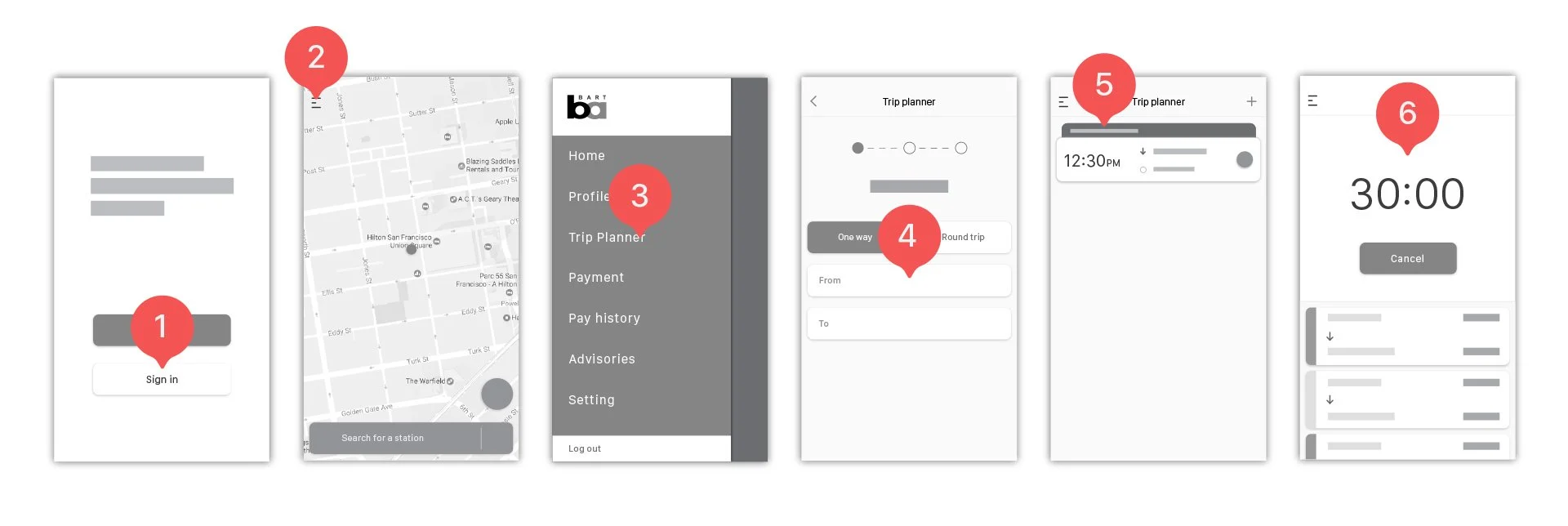
- Once you've set your trip plan, a new schedule bar will appear. Click on the bar to expand the section and see more detailed information.
- Upon receiving a notification message, open the BART app to check the timer and ensure you don't miss your train. Also, review the BART schedules located below the timer.
- Sign in as a user.
- Click on the hamburger 🟰 menu icon.
- Spend extra time exploring the Bay Area by BART.
- Choose a station to visit, then follow the steps.
Joseph Whang | USER CASE 2
🎟️ To buy a ticket
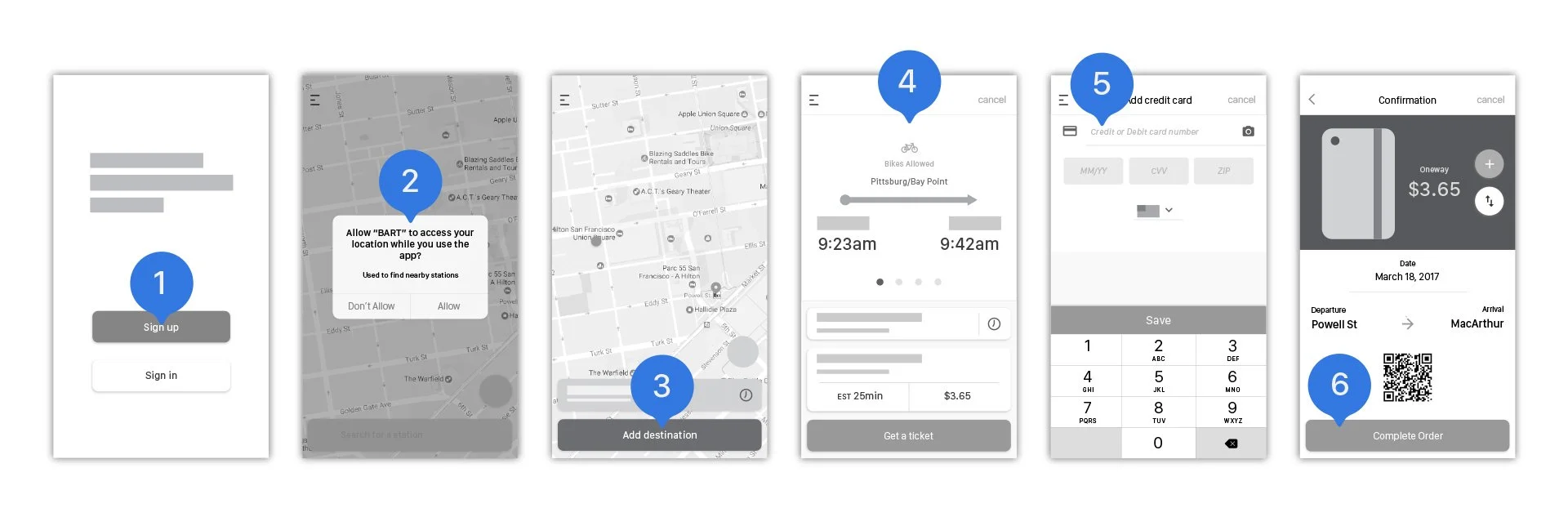
- Sign up to create an account.
- Click the "Allow" button to grant access to your location while using the BART app. It will automatically detect your location and provide the nearest station.
- Add your destination, then search for a station for your trip.
- The app provides BART schedules, estimated times, and fares. Swipe the schedule from right to left to view upcoming schedules. When you're ready to purchase a ticket, click the "Get a Ticket" button.
- If you haven't added your credit card yet, you will need to do so.
- After completing the steps, you'll see confirmation information for the last step before purchasing the ticket. Once you've paid for the ticket, you can add it to your Apple Wallet and use your smartphone to check in at stations.
UI/UX Design
Prototype 1: To make a schedule 🗓️
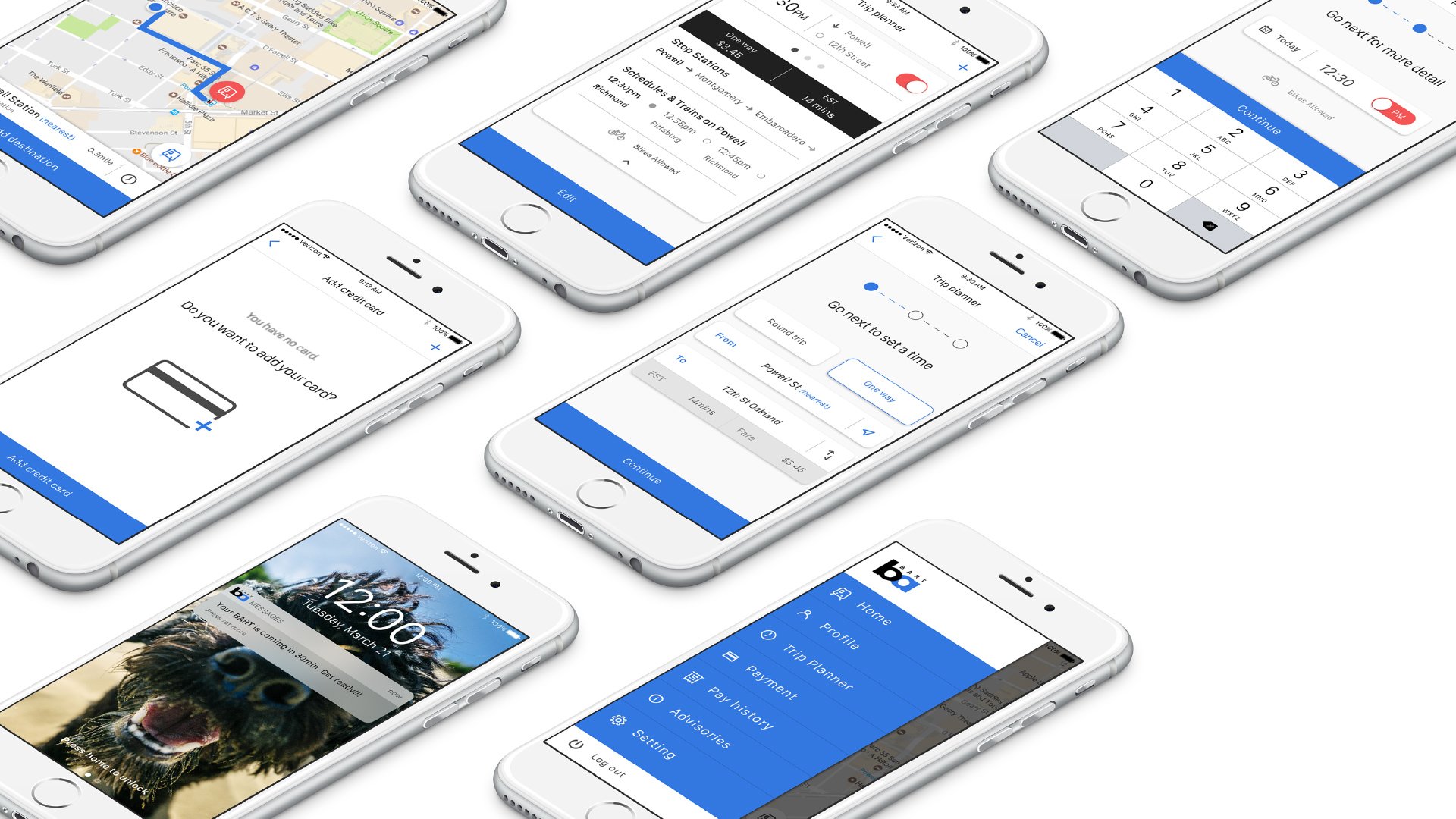

Prototype 2: To buy a ticket 🎟️